Reviews
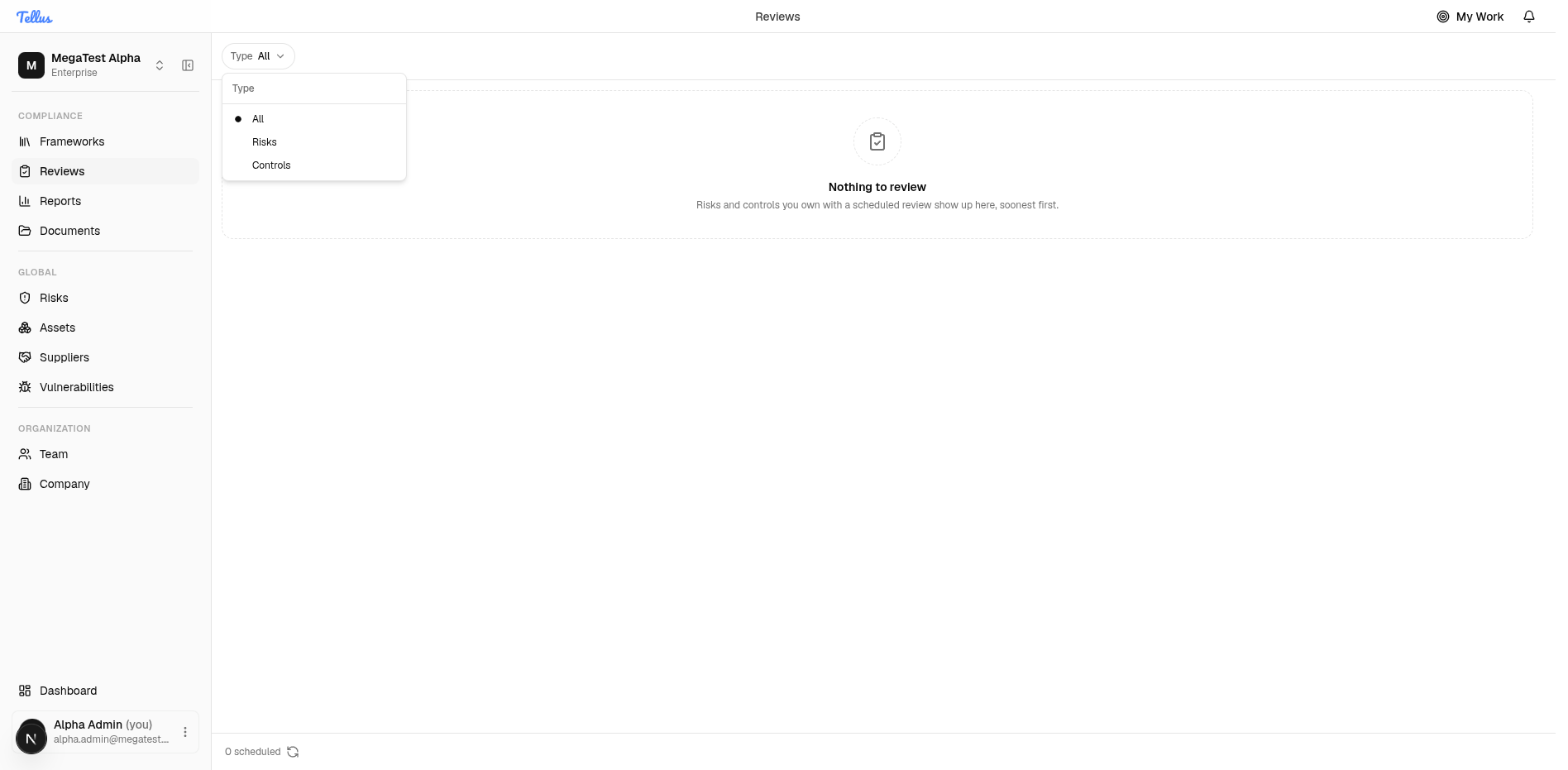
The Reviews area is your personal to-do list for keeping risks and controls up to date.
The Reviews area is your personal to-do list for keeping risks and controls up to date. Any risk or control you own that has a scheduled review date shows up here automatically, sorted with the soonest due item first, so nothing slips past its check-in date.
You can narrow the list by type to focus on just risks or just controls. When you have nothing due, the page shows a friendly empty state explaining what will appear here.
Open the Reviews list
- In the left sidebar, find the Compliance group.
- Click Reviews.
- Review the list. It shows every risk and control you own that has an upcoming scheduled review, ordered with the most urgent item first.
- If you have nothing due, you will see a "Nothing to review" message instead of a list, with the note that risks and controls you own with a scheduled review show up here, soonest first.
- To re-check for newly due items, click the refresh icon (the circular-arrow button) in the footer next to the scheduled count. The footer also shows a count of how many items are scheduled (for example, "0 scheduled").
Tip: This page fills in on its own. As soon as a risk or control you own is given a review schedule, it appears here automatically, so you do not need to add items by hand.
Filter reviews by type
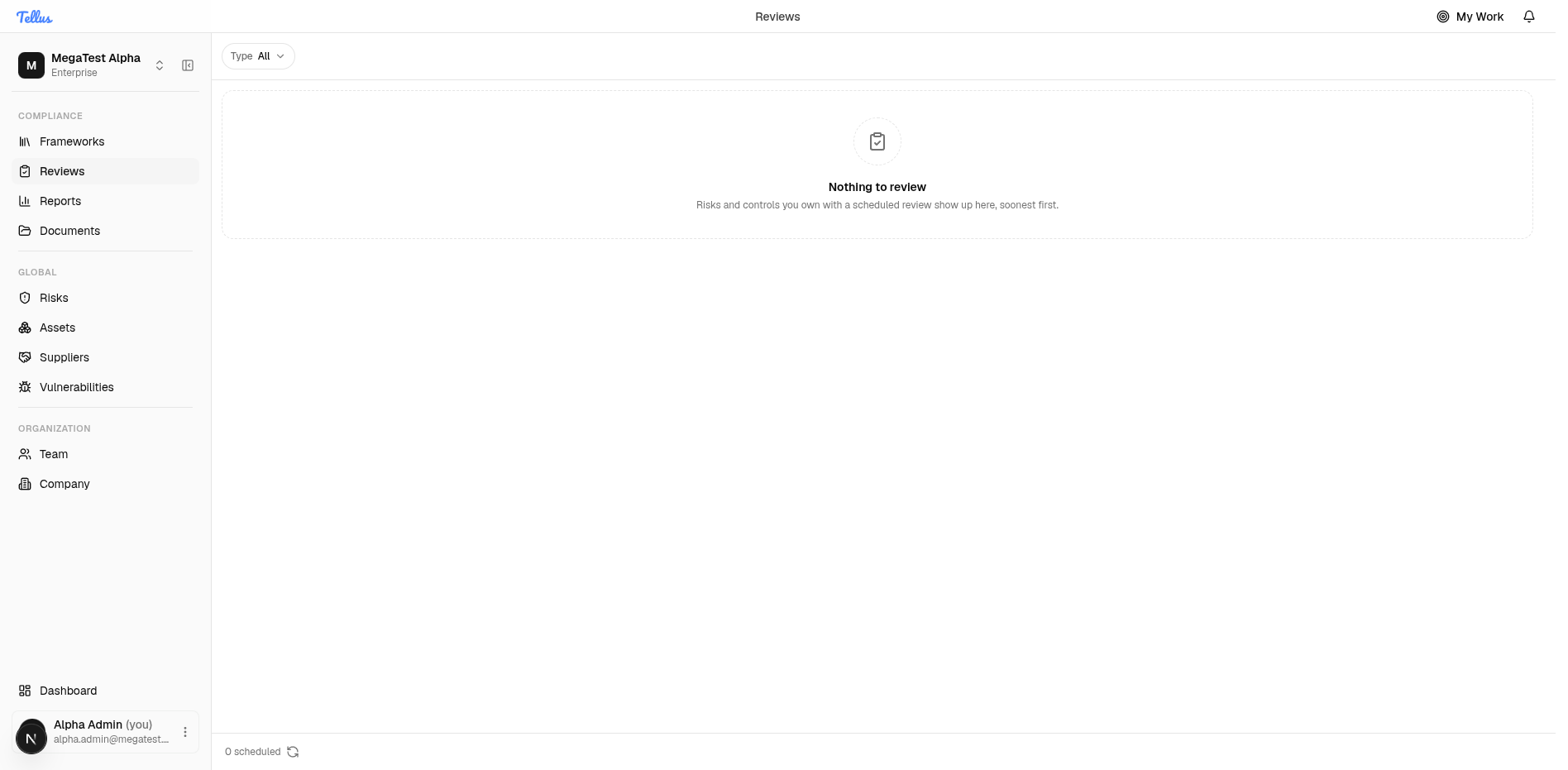
- Click the Type button at the top of the page to open the filter menu.
- Choose one of the three options:
- All — see risks and controls together (this is the default).
- Risks — see only risk reviews.
- Controls — see only control reviews.
- The list updates immediately to match your choice.
Tip: Use the Risks or Controls filter when you want to power through one kind of work at a time without distractions.